
Common Smartphone Settings That Impact Battery Life.
Tech News Today: The modern smartphone is an example of an exceptional engineering project, but the scope of its application is fundamentally limited by a single, limited resource: the lithium-ion battery. As battery capacities have increased, the requirements of high-resolution displays and always-on connectivity often drive the user to find a charger before the end of the day. Knowledge about the background processes and environments that can be of the most benefit in this drain can help users ensure that their device lasts longer without affecting the performance.

 Share
Share
The Hidden Impact of Background Connectivity
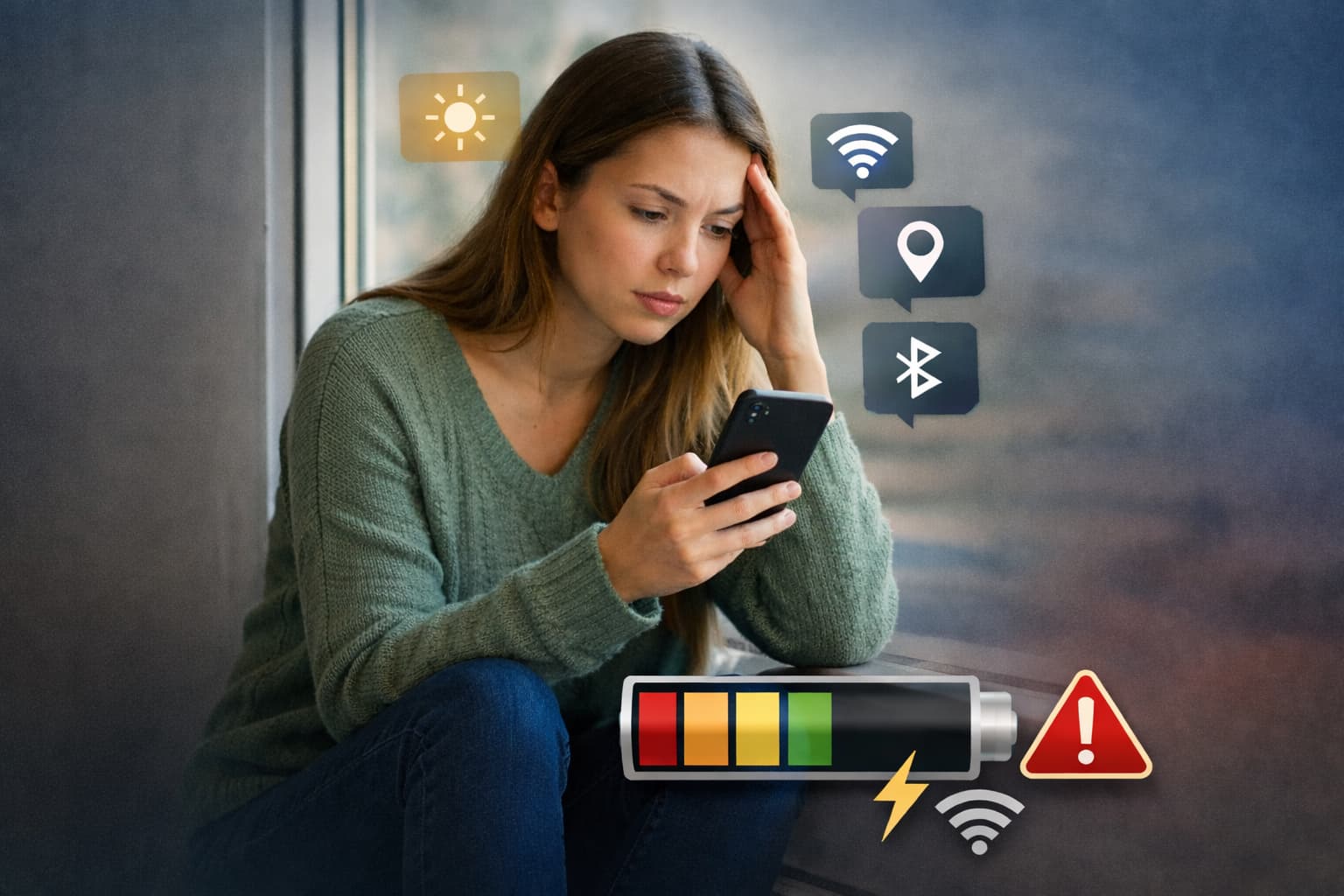
The endless search for the signal is one of the strongest energy drainers of a mobile device. However, the users of the internet are aware of the fact that active browsing consumes power, yet the silent processes that internal antennas go through are usually ignored. As an example, Wi-Fi and Bluetooth scanning should not be turned off; instead, it is possible to keep them on even when the relevant features seem to be disabled to enable the device to keep searching nearby access points and accessories to achieve an improved location accuracy.
Equally, applications like the Nearby Share or Quick Share on Android are often turned on by default. These devices keep sending out a signal to identify any other compatible gadgets in the area. Although this is handy in cases of transferring files here and there, the experience of such constant polling cumulatively is felt in the form of a battery percentage diminution. Enabling these background scanning attributes in the Connection Preferences menu is a simple way of getting power back.
Display and Visual Overhead
The display will always form the main energy consumer. The consumption is, however, not purely determined by the level of brightness. The so-called modern conveniences like Always-On Display (AOD) provide the information at a glance, but do not allow the screen to be turned off permanently. On OLED panels, where the black pixels can be virtually shut off, the constant refresh of time and notifications can easily constitute a large portion of daily discharge.
The refresh rates also have a consequential effect. Smoother scrolling is provided by many high-end devices with 120 0 Hz displays. The constant operation of the GPU at peak is induced by keeping this environment at its maximum at all times. Reconfiguring to a 60hz standard rate, or activating Adaptive Refresh, which dynamically adjusts the frequency to the type of content being watched, can significantly decrease the load on the processor, as well as the battery.
Stay tuned to Daily Info for the latest tech news!
Notification Fatigue and App Behavior
Each time a phone vibrates or glows to provide a notification burns a portion of energy. In addition to the physical process of notifying the user, the push notification process requires the applications to keep an open communication line with the remote servers. The social media sites and news apps are also infamous for constant pings that do not allow the phone to go into the deep-sleep mode.
To reduce this, the users need to review their notification options and mute non-important apps. In addition, another form of energy drain is the so-called Account Syncing. The default settings on many phones are to synchronize Google services, e-mail, and cloud storage on a real-time basis. When manually adjusted to make these intervals only adjust when accessed or after every few hours, the hardware does not endlessly cycle through transmissions of data.
Location Services and Environmental Factors
GPS is a sensor that is likely the most power-consuming in a smartphone. Although it is required in navigation, many applications will ask to use the location always, thus, monitoring the movement even when the application is closed. Switching them to only when using the app cancels the unneeded use of background GPS activation.
Lastly, there are other extrinsic factors, like temperature and cell signal strength, which should be considered. In areas with poor reception, a phone will increase its radio strength to maintain a connection, thus causing fast heat generation and fast depletion. In case it is located in a dead zone, it is frequently most productive to turn on the Airplane Mode. A combination of these technical modifications and simple behavioral shifts can help users keep their gadgets safe during working hours.
Also Read: Smartphones Under Rs 30,000 in India | Top Picks for 2026
Related News

Samsung Unveils Galaxy S26 Series in India: A New Era of Proactive AI
Tech News Today: India Samsung has officially released its Galaxy S26 series in India, the third ...

Google Flow is now with Nano Banana and More Features
Tech News Today: Google has formally reopened its AI-based creative studio, Flow. The substantial...

Top Parental Control WiFi Routers for 2026
Tech News Today: Digital environment as a modern family has come to a stage where it is almost im...